Grammarly vs QuillBot 2026: Which AI Tool Wins? (May 2026 Update)
Grammarly vs QuillBot 2026 — honest comparison of features, pricing, new design workspace & real tests. Find out which AI writing tool is best for YOU today.
⚠️ Affiliate Disclosure: This post contains affiliate links for both Grammarly and QuillBot. If you sign up through my links, I may earn a small commission — at no extra cost to you. All opinions are based on real testing and independent research.
🚨 BREAKING UPDATE (May 2026): QuillBot has just launched a massive rebranding! They have introduced a fresh new logo, a bright green color theme (“It’s so easy being green”), and officially transitioned from just a writing tool into a full “creativity platform” with a brand new workspace that includes AI Image and Design Generators. We’ve updated this review to reflect these huge changes!
Introduction: Two Tools, One Goal — But Very Different Strengths
You’ve seen both names everywhere. Grammarly in every YouTube ad. QuillBot recommended by every student group online.
They both promise to make your writing better. They both have free versions. And they both cost roughly the same for premium.
So which one should you actually pay for?
Here’s the truth most comparison posts won’t tell you: Grammarly and QuillBot are not really competing with each other. They do fundamentally different things — and once you understand that, the right choice becomes obvious.
I’ve spent weeks testing both tools on real blog posts, professional emails, academic papers, and social media captions to give you the most complete, honest answer in 2026.
The short answer:
- 🟢 Grammarly = Best for fixing and polishing YOUR writing in real-time
- 🔵 QuillBot = Best for rewriting, paraphrasing, and acting as an all-in-one creative workspace
Read on to find out which one you actually need — or whether you need both.
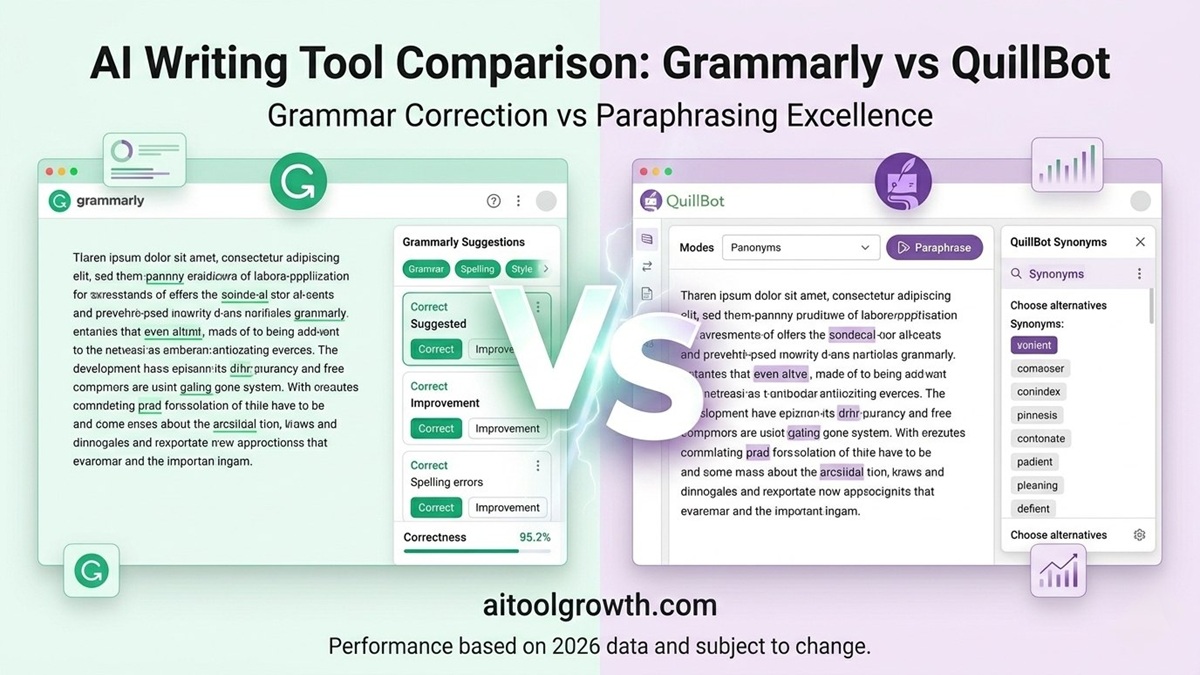 Left: Grammarly’s real-time editor. Right: QuillBot’s newly updated paraphrasing and design workspace.
The Core Difference — Understand This First
Before comparing features, you need to understand why these tools exist:
- Grammarly watches you write and tells you what to fix. It’s a writing coach sitting beside you, correcting mistakes as you make them.
- QuillBot takes what you’ve already written and produces a completely different version of it, and now even helps you design visuals for it.
That single difference explains almost everything:
| Question | 🟢 Grammarly | 🔵 QuillBot |
|---|---|---|
| “Is my email professional?” | ✅ Perfect for this | ❌ Not designed for this |
| “Can you rephrase this paragraph?” | ⚠️ Limited | ✅ Exactly what it’s built for |
| “Fix my grammar in real-time” | ✅ Best in class | ⚠️ Works but slower |
| “Create graphics to match my text” | ❌ Not available | ✅ New AI Design Generator |
| “Check my tone — too aggressive?” | ✅ Unique feature | ❌ Doesn’t have tone detection |
| “Summarize this 2000-word article” | ❌ | ✅ Strong summarizer |
At a Glance: Full Feature Comparison
| Feature | 🟢 Grammarly | 🔵 QuillBot (Updated 2026) |
|---|---|---|
| Grammar Checker | ✅ Best in class | ✅ Good, slightly less accurate |
| Paraphrasing Tool | ⚠️ Basic | ✅ Industry leader |
| Plagiarism Checker | ✅ Premium only | ✅ Premium only |
| AI Design & Image Tools | ❌ No | ✅ Yes (Brand New!) |
| Tone Detection | ✅ Unique feature | ❌ Not available |
| Summarizer | ⚠️ Limited | ✅ Strong |
| Citation Generator | ❌ | ✅ 1,000+ styles |
| Translator | ❌ | ✅ 50+ languages |
| App Integrations | ✅ 500,000+ apps | ✅ Chrome + Word only |
| Browser Extension | ✅ Works everywhere | ⚠️ Chrome + limited |
| Mobile App | ✅ iOS + Android | ⚠️ Limited |
| Free AI Writes | ⚠️ 100/month | ✅ 1,500/month (50/day!) |
| Annual Price | ~$12/month | ~$8.33/month |
Round 1: Grammar Checking — Who’s More Accurate?
This is the foundation of both tools. But real testing tells a surprising story.
Grammarly’s Grammar Check
Grammarly detects up to 250+ types of grammar, punctuation, and spelling errors. It doesn’t just fix the mistake — it explains why the correction improves your sentence, which helps you actually learn and improve over time.
It particularly excels at:
- Tone inconsistency — e.g., “this email sounds too passive-aggressive”
- Clarity issues — “this sentence is too long, split it”
- Vocabulary suggestions — replacing weak words with stronger alternatives
QuillBot’s Grammar Check
QuillBot’s grammar checker is solid but not as deep. It catches the obvious errors — spelling, basic grammar, punctuation — but misses subtle issues like tense inconsistency that Grammarly flags. However, QuillBot also performs notably better with British English variants.
🏆 Grammar Winner: Grammarly (for everyday writing)
Round 2: Paraphrasing — No Contest
This is QuillBot’s home turf — and Grammarly doesn’t even try to compete seriously.
QuillBot Paraphrasing
QuillBot offers 7 different paraphrasing modes:
- Standard — balanced rewrite
- Fluency — focus on natural flow
- Formal — professional tone
- Simple — easier language
- Creative — more unique phrasing
- Expand — makes text longer
- Shorten — condenses text
The Synonym Slider lets you control how aggressively words are changed. You can also use Freeze Words to lock keywords in place (critical for SEO bloggers and content marketers — your target keyword stays exactly as written).
Grammarly Paraphrasing
Grammarly does offer AI rewriting suggestions, but they’re limited to sentence-level refinements — “make this more concise” or “make this more confident.” It’s a helpful polish tool, not a paraphrasing engine.
🏆 Paraphrasing Winner: QuillBot — by a mile
Round 3: Unique Features Nobody Else Has
Grammarly’s Exclusive Features
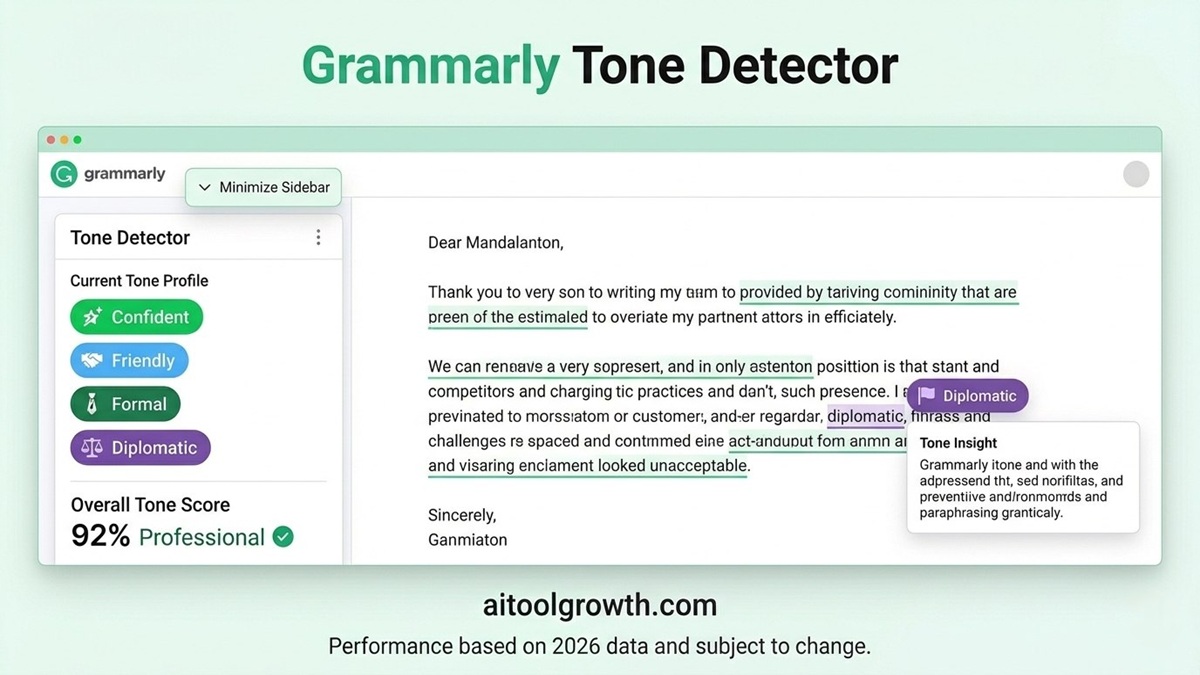 Grammarly’s tone detector — a unique feature that tells you exactly how your writing sounds to readers.
- 🎯 Tone Detection: Grammarly can analyze your writing and tell you if it sounds “confident,” “friendly,” “diplomatic,” or “aggressive” — with suggestions to adjust accordingly. No other tool does this well.
- 🔄 Works Everywhere: Grammarly’s browser extension works silently across Gmail, Google Docs, Word, Slack, and over 500,000 other platforms.
- 📱 Mobile Keyboard: A fully functional mobile keyboard for iOS and Android that checks grammar as you type on your phone.
QuillBot’s Massive 2026 Workspace Update 🆕
In May 2026, QuillBot completely rebranded. They ditched their old look for a sleek, modern green aesthetic and a simplified logo. More importantly, they evolved into a full “Creativity Platform.” * 🎨 AI Design & Image Generator: QuillBot now lets you generate logos, posters, social media graphics, and custom images directly in your workspace. You write the text, and their new AI helps you design the visual assets to match!
- 📚 Citation Generator: QuillBot supports 1,000+ citation styles. It can generate complete bibliographies from a URL, DOI, or book title. Essential for students.
- 🌍 Translator (50+ Languages): QuillBot translates content across more than 50 languages.
- 📝 Summarizer: Takes a long article and condenses it into a clean summary.
Round 4: Free Plans — Which Gives You More?
Grammarly Free Plan
- ✅ Unlimited grammar, spelling, and punctuation checking — no word limit
- ✅ Works across all 500,000+ integrated apps
- ✅ Basic tone suggestions
- ✅ 100 AI-generated prompts per month
QuillBot Free Plan
- ✅ Paraphrasing up to 125 words per session
- ✅ 3 of 7 paraphrasing modes (Standard, Fluency, Simple)
- ✅ AI Detector & Citation Generator — completely free
- ✅ 50 AI prompts per day (~1,500/month!)
- ❌ 125-word paraphrase limit is frustrating for real use
🏆 Free Plan Winner: Grammarly (for everyday writers)
Round 5: Pricing — Who’s More Affordable?
Grammarly Pricing
| Plan | Monthly | Annual (per month) | Best For | |—|—|—|—| | Premium | $30/mo | ~$12/mo | Professionals, bloggers |
QuillBot Pricing
| Plan | Monthly | Annual (per month) | Best For | |—|—|—|—| | Premium | $19.95/mo | ~$8.33/mo | Writers, content creators |
💰 Pricing Winner: QuillBot — 31% cheaper than Grammarly
At ~$8.33/month annually, QuillBot Premium is noticeably more affordable, especially now that it includes an entire creative design workspace.
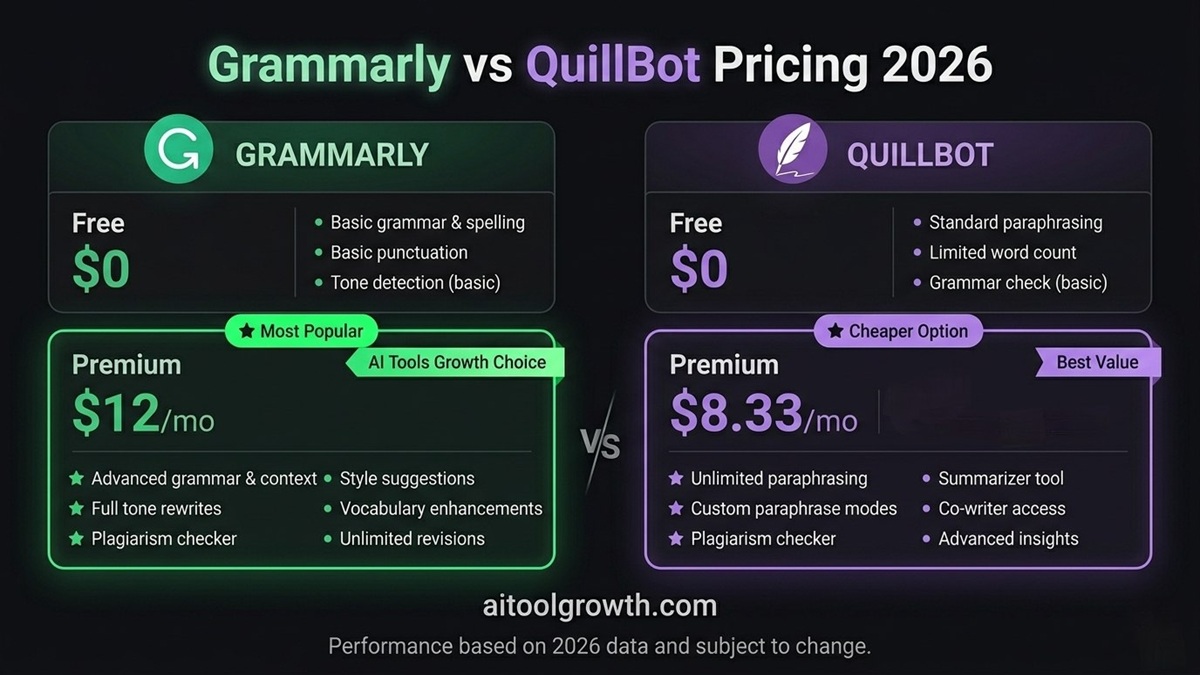 Grammarly vs QuillBot pricing side by side — QuillBot wins on cost, Grammarly wins on value-per-feature.
Final Verdict: Grammarly vs QuillBot 2026
| Category | Winner |
|---|---|
| Grammar Accuracy | 🟢 Grammarly |
| Paraphrasing & Rewriting | 🔵 QuillBot |
| Creative Design Workspace | 🔵 QuillBot (New!) |
| Real-Time Editing | 🟢 Grammarly |
| Pricing (Value) | 🔵 QuillBot |
| Overall Winner | 🟢 Grammarly (for everyday text) / 🔵 QuillBot (for creative content & design) |
The best answer for serious writers in 2026? Use both. Draft and edit with Grammarly free, and use QuillBot Premium for paraphrasing, summarizing, and generating fresh blog graphics with their new AI design tools. You’ll have the ultimate writing stack for under $10/month.
Related Posts
- 📖 ElevenLabs Review 2026 — Best AI Voice Generator? →
- 📖 Hostinger Review 2026 — Best Budget Hosting? →
- 📖 Hostinger vs Bluehost 2026 — Which Is Better? →
- 📖 How to Start a Blog and Make Money in 2026 →
| *Last Updated: May 2026 | Testing data sourced from SmartToolHub, TheTopAIGear, Fritz AI, GrammarDiscount, Scribbr, and eesel AI independent comparisons.* |